Every detail of a contact
Names, email addresses, phone numbers, addresses, birthdays, notes, organizations, websites and photos come along.
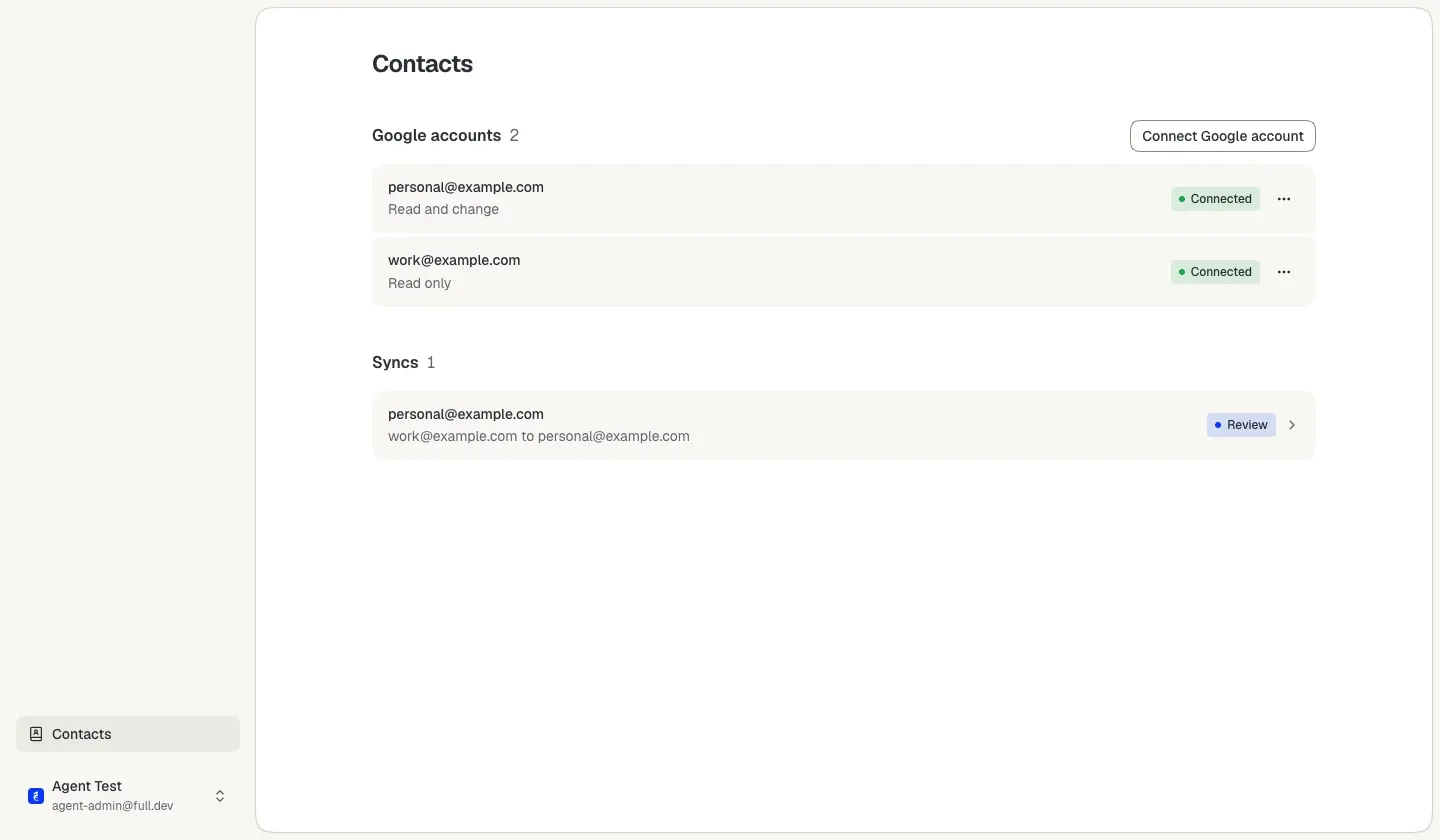
Fulldev Contacts copies your saved Google contacts from one Google account to another every day, one way. You choose which account is the source and which the destination.
We only use your email address to let you know when Fulldev Contacts is ready for you. You can unsubscribe at any time. Read more in the privacy statement.
Only saved contacts, and only from the source to the destination.
You connect two Google accounts. After that, Contacts copies every day.
Connect one account to copy from and one to copy to.
Contacts compares both address books and changes nothing yet. You decide about the contacts that look alike.
Every night Contacts copies the changes. On the dashboard you see the last result, what waits for your decision and when you need to connect an account again.
Fulldev Contacts is not open to everyone yet. Leave your email address and we will email you as soon as you can start.
We only use your email address to let you know when Fulldev Contacts is ready for you. You can unsubscribe at any time. Read more in the privacy statement.